

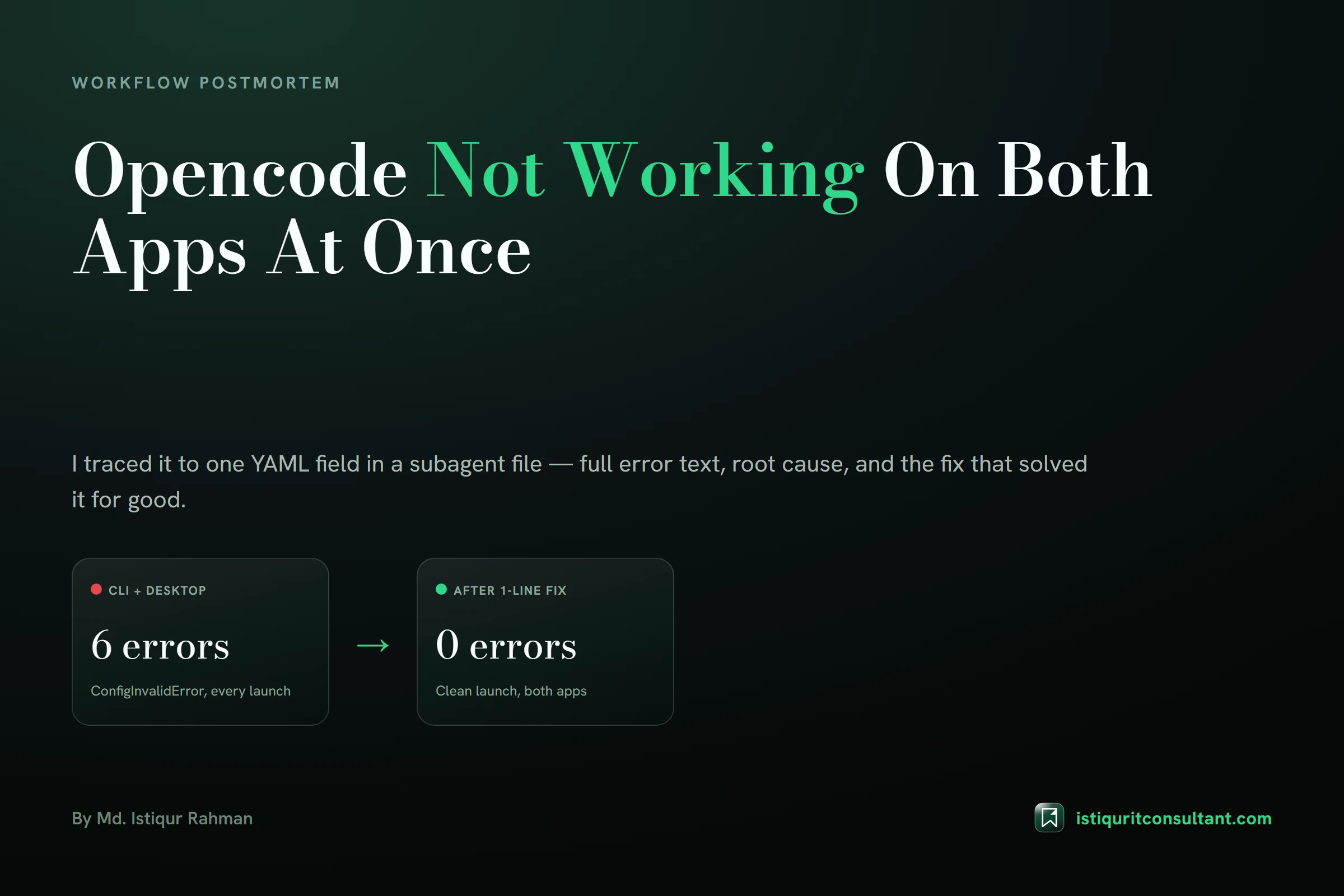
OpenCode not working stopped my entire terminal and desktop workflow cold on a Saturday afternoon. Both the CLI and the Desktop app refused to start, and the fix hid inside one YAML field I had copied from the wrong tool.
What "OpenCode Not Working" Looked Like On My Machine
I had just added five custom subagents to automate parts of my blog workflow: a writer, an SEO checker, a reviewer, a researcher, and a translator. I dropped all five .md files into OpenCode's agents folder and closed the terminal.
Minutes later, neither the OpenCode CLI nor the OpenCode Desktop app would start a session. Not a slow load. A hard stop, every time, on both entry points.
Here is the exact machine this happened on, since specs matter when you are trying to reproduce or rule out a hardware-specific cause:
| Component | Value |
|---|---|
| Laptop | ASUS Vivobook M1505YA |
| CPU | AMD Ryzen 5 7430U, 6 cores / 12 threads, base 2.30 GHz |
| RAM | 16 GB DDR4-3200 |
| GPU | AMD Radeon Graphics (integrated), 512 MB dedicated VRAM |
| Storage | Solidigm 512 GB SSD |
| OS | Windows 11 Pro Insider Preview, build 10.0.26300, 64-bit |
| OpenCode CLI | v1.18.23 (global npm install) |
| OpenCode Desktop | v1.18.25 |
| Node.js | v26.7.0 |
Nothing exotic. A mid-range laptop, a global npm install, and two officially released versions of the same product family.
The Exact Error Text OpenCode Gave Me
CLI error
Running opencode in my terminal produced its usual raw-ANSI startup sequence, then stopped cold with this before any interface rendered:
Configuration is invalid at C:\Users\istiqur\.config\opencode\agents\blog-writer.md
↳ Expected object | undefined, got ["Read","Write","Edit","Grep","Glob"] tools
That single line was the whole diagnosis, if I had read it correctly the first time. It named the exact file and the exact field, and it told me what type the field should have been versus what it actually got.
Desktop app error
The Desktop app gave me nothing that specific. Its renderer.log showed this instead:
[2026-08-30 14:11:29.555] [error]  Failed to load sessions Error: ConfigInvalidError
[2026-08-30 14:11:29.580] [error]  Failed to load sessions Error: ConfigInvalidError
[2026-08-30 14:11:30.067] [error]  Failed to load sessions Error: ConfigInvalidError
[2026-08-30 14:11:36.759] [error]  Failed to load sessions Error: ConfigInvalidError
[2026-08-30 14:11:36.927] [error]  Failed to load sessions Error: ConfigInvalidError
[2026-08-30 14:11:36.928] [error]  Failed to finish bootstrap instance Error: ConfigInvalidError
No file path. No field name. Just a bare error class, repeated five times, then a fatal bootstrap failure.
OpenCode's own tools documentation confirms both surfaces are meant to validate the same config, which made the gap in error quality between them stand out even more.
Why My OpenCode Issue Hit Both Apps At Once
I initially assumed the CLI and the Desktop app were separate problems, since they ship as separate installers with separate version numbers, 1.18.23 against 1.18.25.
They are not separate underneath. Both read the same shared config root on disk, ~/.config/opencode/, and both boot the same local sidecar server process at startup. The Desktop app's own main.log showed it spawning that sidecar cleanly:
[2026-08-30 14:11:26.926] [info]  spawning sidecar { url: 'http://127.0.0.1:11956' }
[2026-08-30 14:11:29.204] [info]  server ready { url: 'http://127.0.0.1:11956' }
The server itself came up green. The failure only showed up once the renderer asked that server to enumerate my agents directory and got a validation error back. Any config problem introduced on disk, whether I touch it from the CLI, a text editor, or anywhere else, will therefore surface identically in the GUI, because they are not independent configuration surfaces.
Root Cause: A Subagent Tools Field In The Wrong Shape
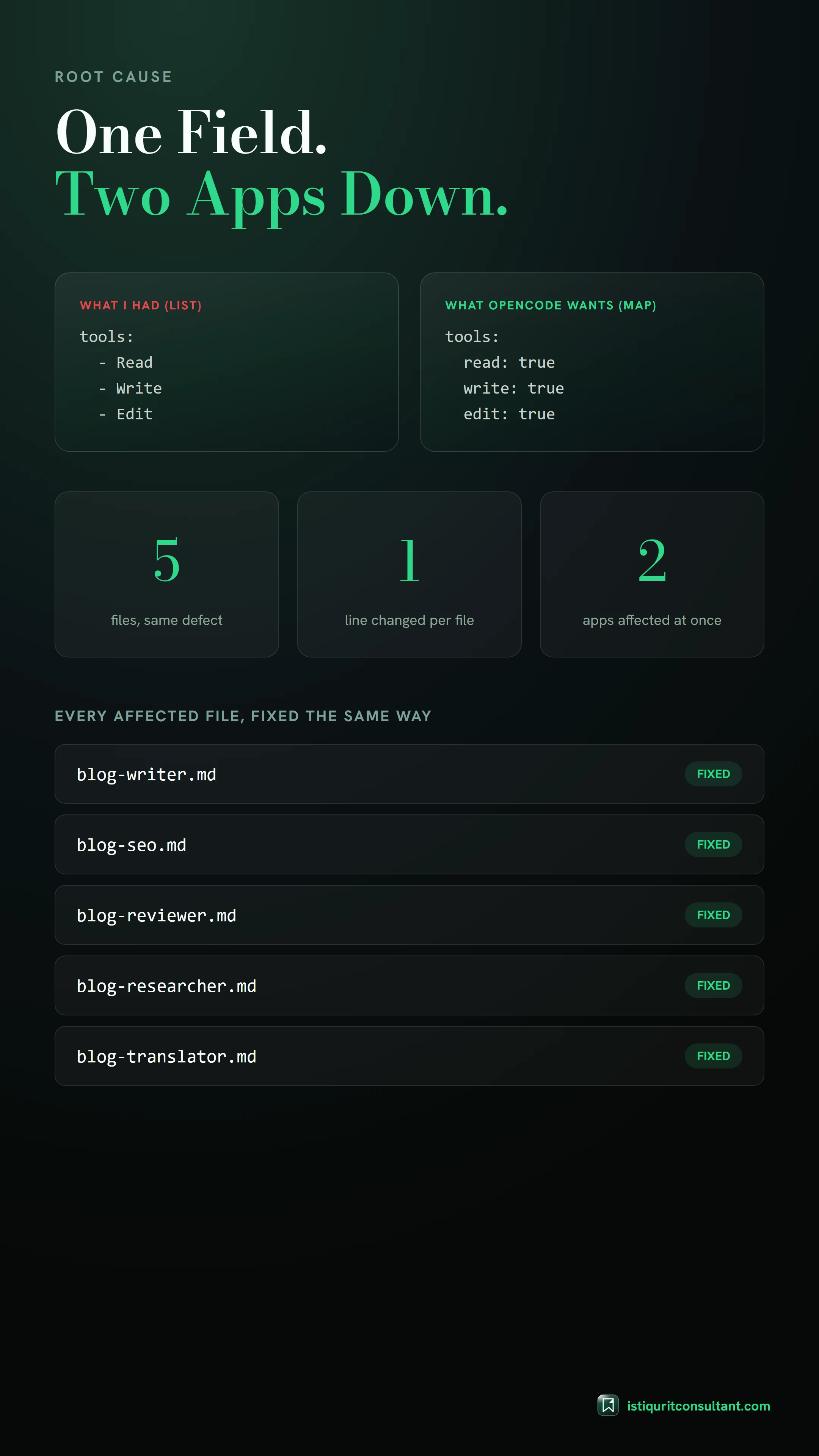
The five files I had added were originally written for a different AI coding assistant I also run daily for content work. That assistant declares a subagent's allowed tools as a YAML list:
tools:
  - Read
  - Write
  - Edit
OpenCode's config schema expects tools as a YAML map, tool name to boolean:
tools:
  read: true
  write: true
  edit: true
Both shapes are valid YAML on their own. YAML's spec treats a sequence and a mapping as genuinely different node types, so a file that parses cleanly for one tool's schema can still fail a different tool's schema outright. That mismatch is exactly what OpenCode's validator caught, and exactly what its error message named.
I checked all five files to see how far the damage spread:
| File | Tools declared |
|---|---|
blog-writer.md | Read, Write, Edit, Grep, Glob |
blog-seo.md | Read, Grep, Glob |
blog-reviewer.md | Read, Grep, Glob |
blog-researcher.md | WebSearch, WebFetch, Read, Grep, Glob |
blog-translator.md | Read, Write, Edit, Glob, Grep |
Every single one used the list format. This was not a stray typo in one file; it was a whole batch carried over from the wrong source without translating the schema.
How I Diagnosed OpenCode Not Working In Windows 11, Step By Step
- Reproduce it directly in the CLI, since its error text is more descriptive than the Desktop app's:
opencode --version
1.18.23- Read the offending file in full to rule out a broken YAML delimiter or a duplicate key. Only
tools:was non-conformant.
- Check every sibling file, because the validator only names the first file it chokes on, not necessarily the only broken one:
Grep "tools:" -A 6 across all 5 files in agents/
→ all 5 files use the same list format- Convert each
tools:block from a list to a map, keeping every tool name and its case exactly as it was.
- Re-run the CLI and grep the captured output for "invalid" or "error":
opencode
→ TUI launches cleanly
→ 0 matches for "invalid" / "error"- Extend verification to the Desktop app, force-relaunching it and checking the newest log session, not a stale one still sitting open from before the fix.
The Fix — Before And After
Five files, one pattern, frontmatter only. No reinstall, no cache clear, no code touched.
blog-writer.md
 tools:
-  - Read
-  - Write
-  - Edit
-  - Grep
-  - Glob
+  Read: true
+  Write: true
+  Edit: true
+  Grep: true
+  Glob: true
blog-seo.md
 tools:
-  - Read
-  - Grep
-  - Glob
+  Read: true
+  Grep: true
+  Glob: true
blog-reviewer.md
 tools:
-  - Read
-  - Grep
-  - Glob
+  Read: true
+  Grep: true
+  Glob: true
blog-researcher.md
 tools:
-  - WebSearch
-  - WebFetch
-  - Read
-  - Grep
-  - Glob
+  WebSearch: true
+  WebFetch: true
+  Read: true
+  Grep: true
+  Glob: true
blog-translator.md
 tools:
-  - Read
-  - Write
-  - Edit
-  - Glob
-  - Grep
+  Read: true
+  Write: true
+  Edit: true
+  Glob: true
+  Grep: true
How I Verified Both The CLI And Desktop App Were Fixed
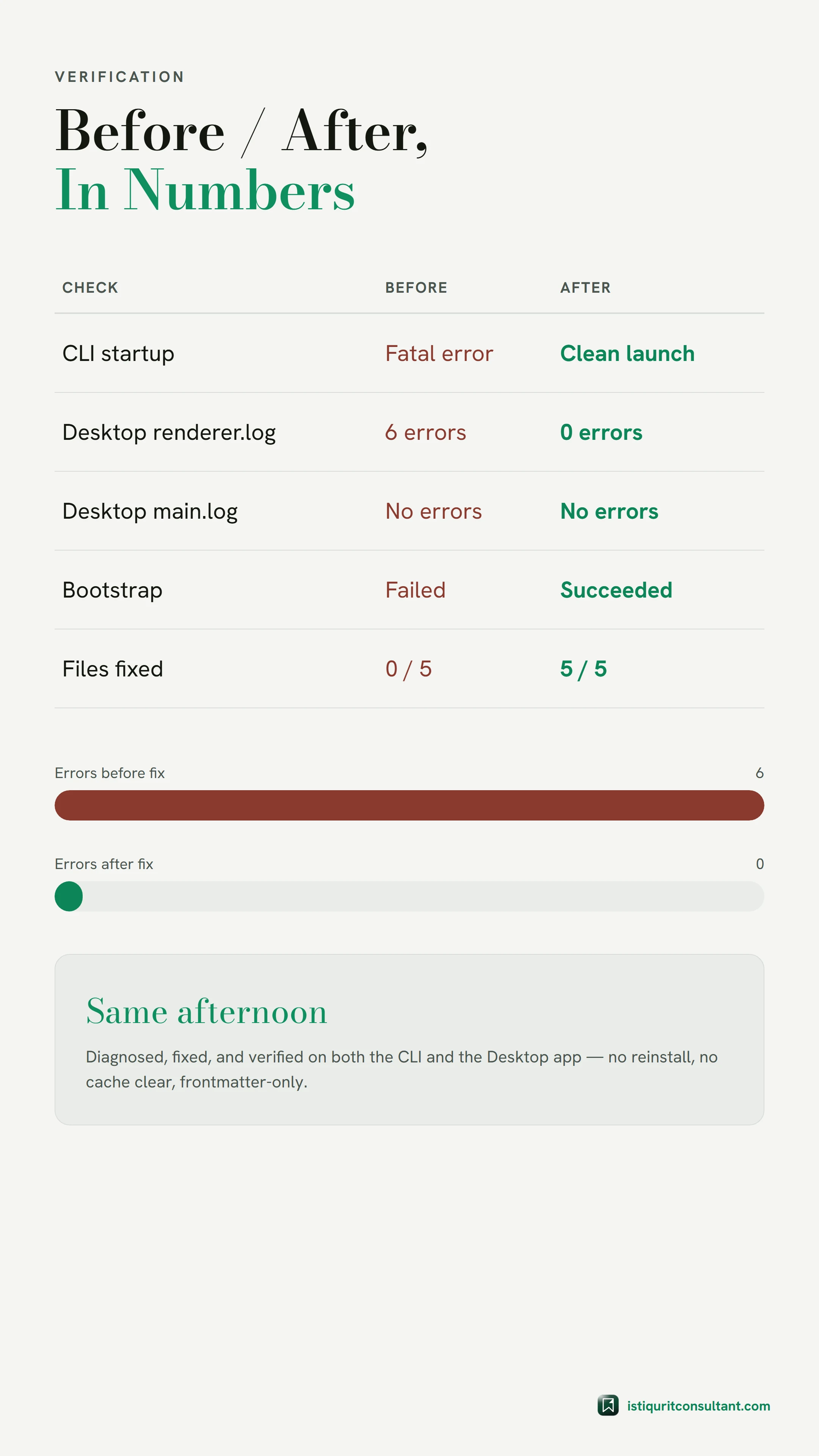
| Check | Before fix | After fix |
|---|---|---|
| CLI startup | Fatal: Configuration is invalid ... blog-writer.md | Clean TUI launch, 0 error matches |
| Desktop renderer.log | 6 ConfigInvalidError entries in one session | 0 matches in a fresh session |
| Desktop main.log | No errors — sidecar server itself started fine | No errors |
| Desktop process check | N/A | 7 OpenCode.exe processes, a normal Electron tree |
One thing nearly threw off my own verification. The first Desktop log folder I checked was a session from before the fix, still showing the old errors. Comparing that log's own start timestamp against my fix's file-modification timestamp caught the mistake before I drew the wrong conclusion.
Lessons I'm Keeping From This OpenCode Issue
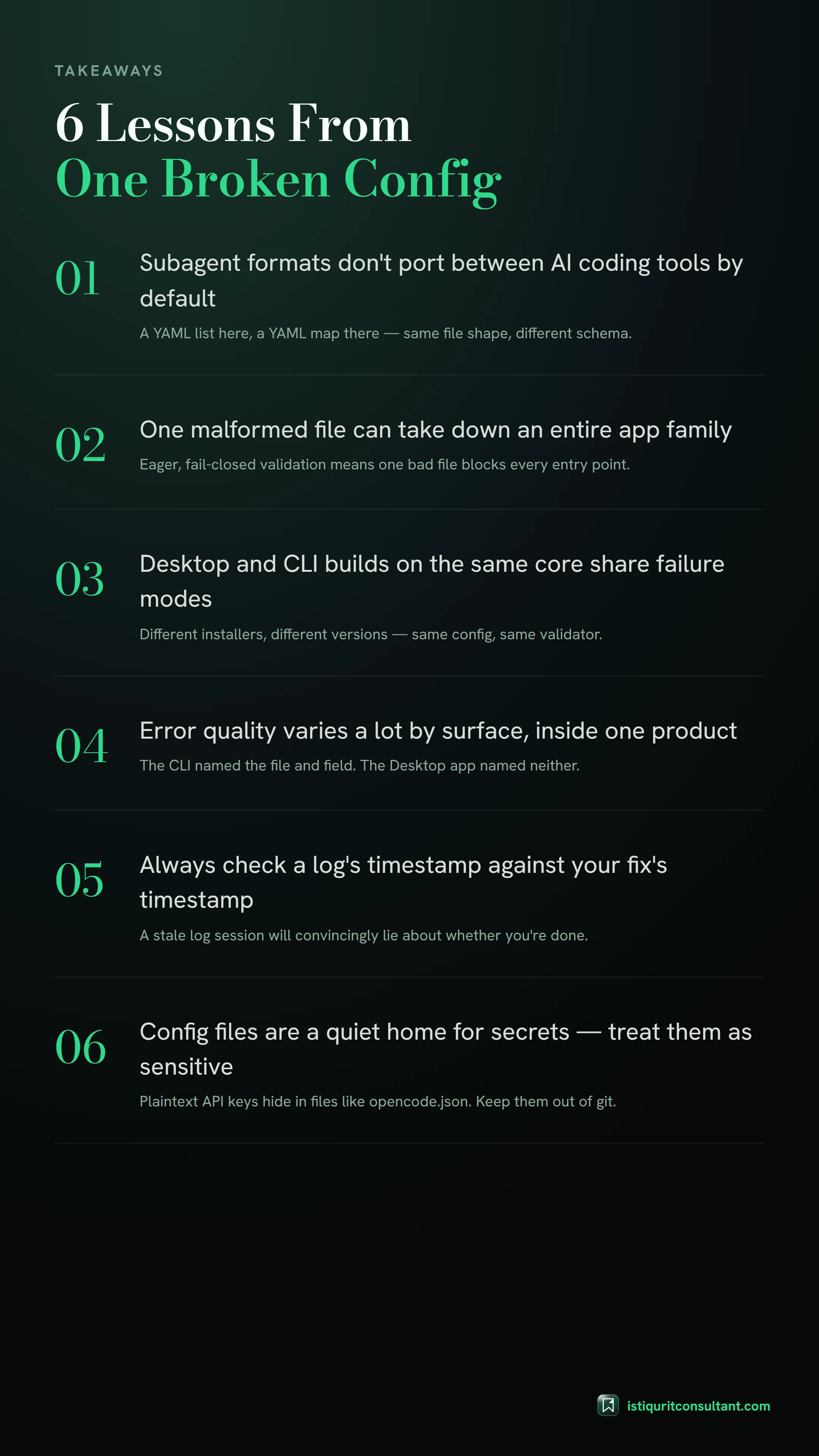
- Subagent config formats are not portable between AI coding tools by default, even when the file shape looks identical — Markdown plus YAML frontmatter, a
name/description/toolslayout. One tool's list is another tool's map. - A single malformed config file can take down an entire application family when validation runs eagerly against the whole config at startup and fails closed. One bad file, every entry point down.
- Desktop and CLI builds on the same core can share failure modes invisibly. Different installers, different version numbers, different log folders — same validator underneath.
- Error message quality varies a lot by surface, inside one product. The CLI told me the file and the field. The Desktop app told me a class name. When a GUI wraps the same core as a CLI, reproducing the failure in the CLI first saves real time.
- Always compare a log session's own timestamp against your fix's timestamp before trusting what that log says. A stale session will lie to you convincingly.
- Config files are a quiet home for secrets. While I was in there, I noticed my own
opencode.jsonstores live MCP service API keys as plain text. Unrelated to this bug, but worth a standing reminder: keep files like that out of version control and treat them as sensitive at rest.
Why is OpenCode not working after I add a custom agent?
tools: list instead of a map. OpenCode fails its whole config validation rather than skipping just that file.Does OpenCode Desktop use a different config than the CLI?
~/.config/opencode/ directory and the same underlying sidecar server, so a config error introduced through either surface affects both.What does "ConfigInvalidError" mean in OpenCode Desktop?
How do I fix "Expected object | undefined, got [...] tools" in OpenCode?
tools: field from a YAML list to a YAML map with boolean values, for example read: true instead of - Read.Why did OpenCode not working in Windows 11 affect both my terminal and my GUI app at once?
Do I need to reinstall OpenCode to fix a config validation error?
How can I tell which agent file is breaking OpenCode?
Can one bad OpenCode agent file break all my other agents too?
Is it safe to copy subagent files between different AI coding tools?
name / description / tools, can still expect different value types for the same field.What log files should I check when OpenCode Desktop fails to load sessions?
renderer.log for session-load errors and main.log to confirm whether the sidecar server itself started. A clean main.log with errors only in renderer.log points to a config validation failure, not a crash.Why did my old OpenCode Desktop log still show errors after I fixed the config?
Should I store API keys in my OpenCode config file?
opencode.json can store MCP service keys in plain text; keep such files out of version control and prefer environment variables for live keys.